How Kyloy works
Seven steps with real screens. Tap the image or use the arrows.
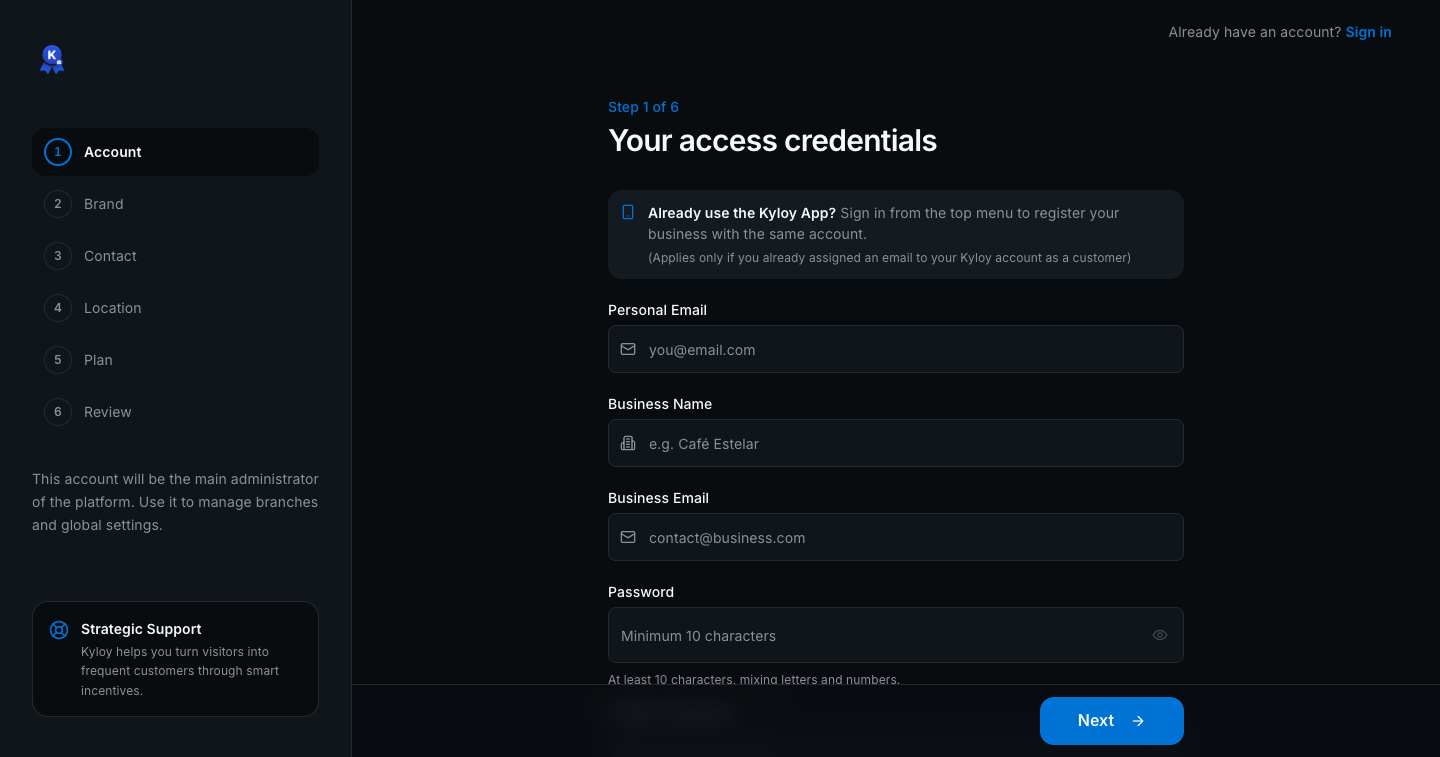
Step 1 of 7
Create your free account
In two minutes: your email, your business name and where it is. The Free plan never expires and needs no card.
Guides by feature
Everything you can do with Kyloy in your business, explained feature by feature and with the plan each one needs.
⚡ Quick guide
- What Kyloy isYour loyalty card, but on your customer’s phone.
- Get started in 10 minutesCreate your account and your first reward, and try it on yourself.
- Serving a customerWhat you will do every day. Three taps.
- Registering a new customerIf they have no card yet, you sign them up yourself in 20 seconds.
- Kyloy on your phoneA tour of the Kyloy Business app.
🏪 Your business
- Business profileLogo, banner, name and address: what your customers see.
- Customer registrationDecide which details you ask for when signing up a customer.
- Brand coloursFrom PlusYour colours on the pages your customers see.
- Your teamFrom PlusInvite whoever serves customers, each with their own access.
- BranchesFrom ProIf you have more than one location, each with its own address and hours.
- Sessions and deleting your accountSign out a lost device, or delete your account.
⭐ Loyalty
- PointsThey add up based on what the customer spends: 10 points per $100.
- RewardsCreate, edit and switch off rewards. How many you can keep active depends on your plan.
- First-visit giftA gift for new customers, once per phone number.
- Stamps and attendanceThey count visits, not money. The classic “tenth one free” card.
- MembershipsFrom UltimateSell a monthly plan with a daily perk, paid at your counter.
🧾 Day to day
- Serving from a computerRead their code and register the visit from business.kyloy.com.
- CustomersFind a customer, check their points and add a new one.
- HistoryEvery point given and every reward redeemed, and how to fix a mistake.
- InsightsFrom ProWhether your customers come back, how many are new and who is drifting away.
- Customer notificationsFrom ProA short message that lands on your customers’ phone screen.
- Automatic messagesFrom ProKyloy writes to your customers on its own: their reward is ready, “we miss you” and their birthday.
📦 Menu, orders and appointments
- Digital menu: building your menuFrom PlusCollections, categories, products and extras.
- Digital menu: publishing and QRFrom PlusPublish your menu, download its QR for your tables, or upload your PDF.
- Pickup ordersFrom UltimateThe customer orders from their phone and picks up without queueing.
- AppointmentsFrom UltimateFor barbers, salons, workshops or classes: your customers book.